

Understand your system with
Wingman™
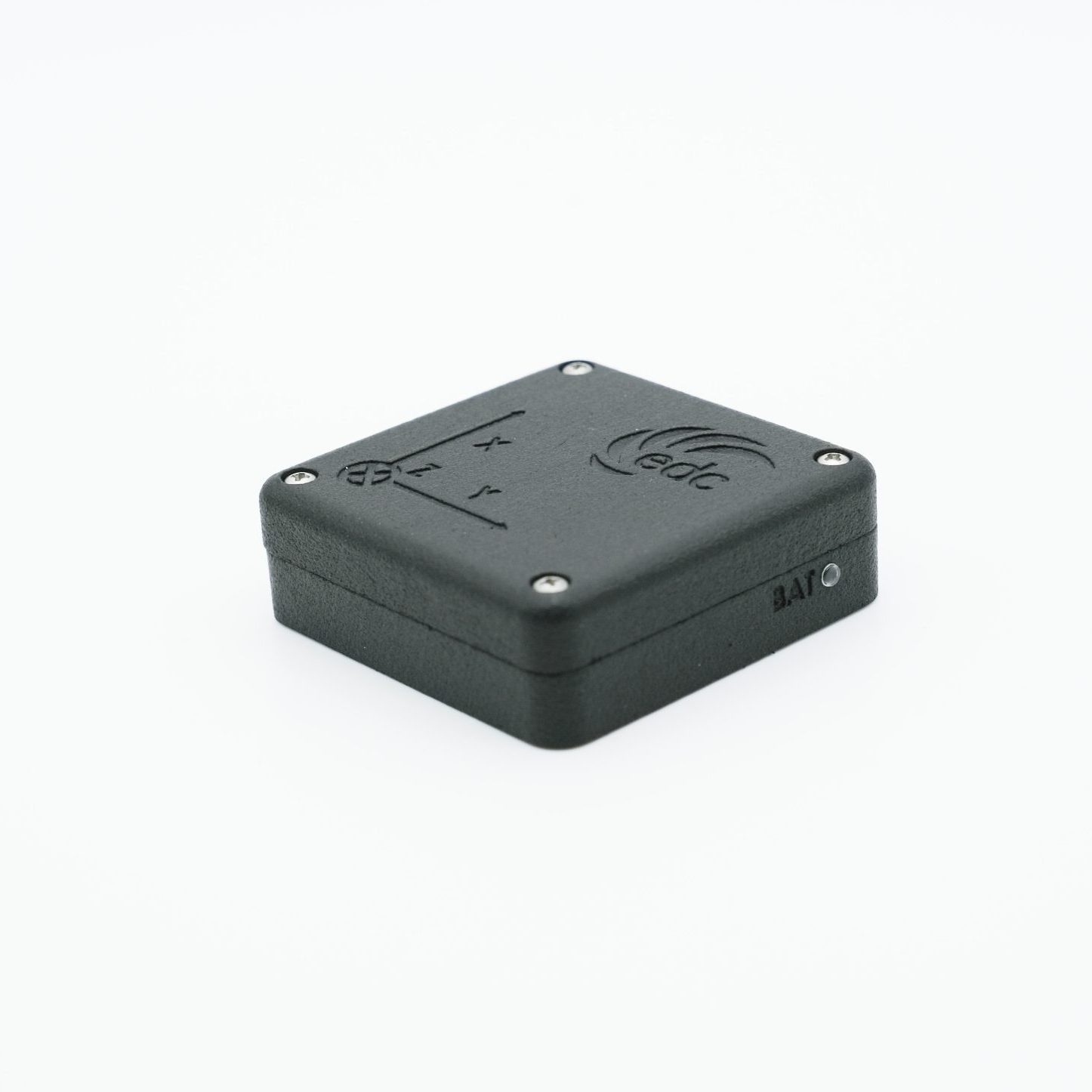
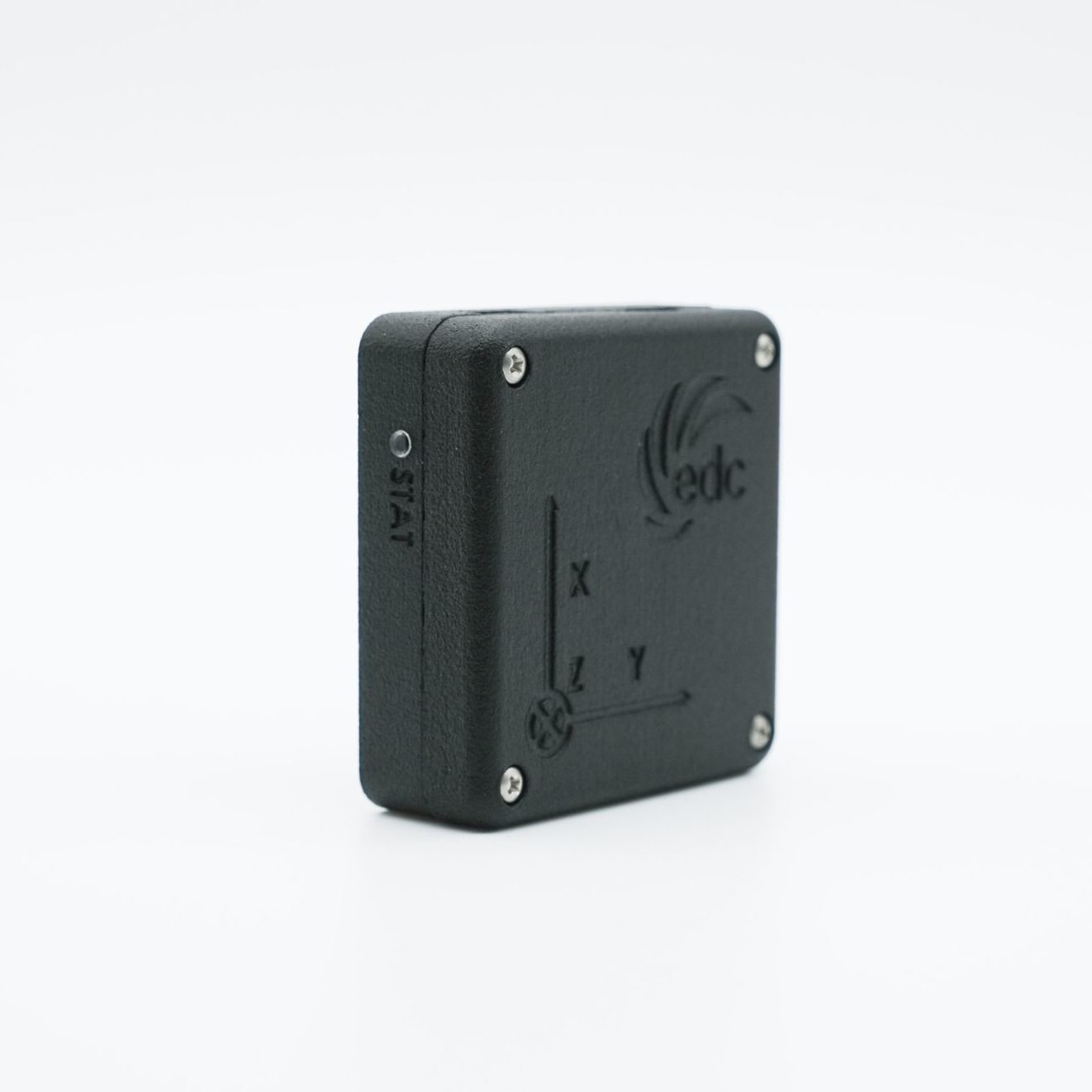
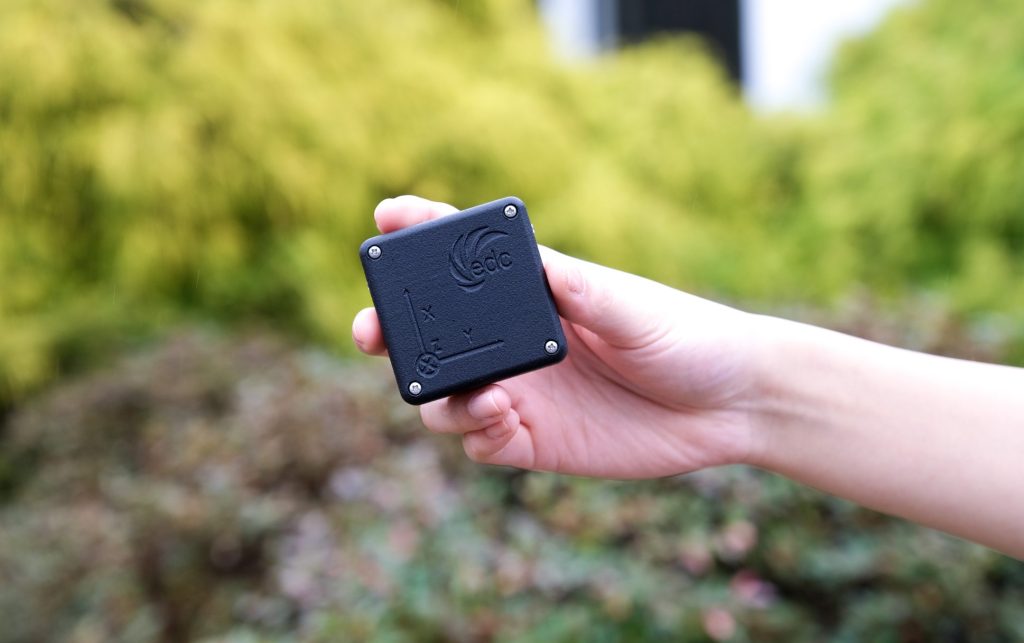
Wingman is a data acquisition sensor built to ride along on a variety of vehicles and engineered prototypes. Perfect for testing or verification, it is a single sensor that integrates high-g accelerometer, low-g accelerometer, gyroscope, magnetometer, barometer, and Global Navigation Satellite System (GNSS) into one unit.
By centralizing the most commonly used sensors, it reduces the need to worry about multiple sensors being turned on or off each data cycle. Wingman has configurable data rates for each sensor which can be adjusted via the accompanying desktop application. Whether it is for real-world vehicles, packages, or payloads, Wingman is the perfect data collecting companion for your system.
Features
Accelerations
Track high-g and low-g accelerations logging up to 2 kHz at launch.
Impact Measurement
Measuring impacts of up to +/- 200 g on each axis, Wingman is the perfect onboard passenger for payloads or test vehicles.
Operating Temperature
Operate when and where you need with ambient temperatures between -40°C to 85°C.
Magnetic Heading
Know which direction your system is headed with an update rate of up to 80 Hz.
GNSS
Get a traceable path of ground or air vehicles through the Wingman software with 1.5 m position accuracy, 0.05 m/s velocity accuracy, and 5 Hz update rate.
AHRS Orientation
Wingman is able to provide an orientation estimation of your system through roll, pitch, yaw, and velocity measurements, allowing you to better understand the changes in system dynamics during testing.
Rotation Rates
Spin with your system at up to +/- 2000 deg/s with logging up to 200 Hz.
Pressure Altitude
Track the barometric altitude of your system with accurate pressure readings within +/- 6 ft.
Specifications
- Length: 2.2 in.
- Thickness: 0.75 in.
- Width: 2.2 in.
- Mass: 2.5 oz
- Battery Life: 3-5 hours
*We cannot guarantee that all data rates can be obtained simultaneously.
Download the Wingman Software

Compatible with Windows operating systems

Wingman software tutorial video
Wingman FAQs
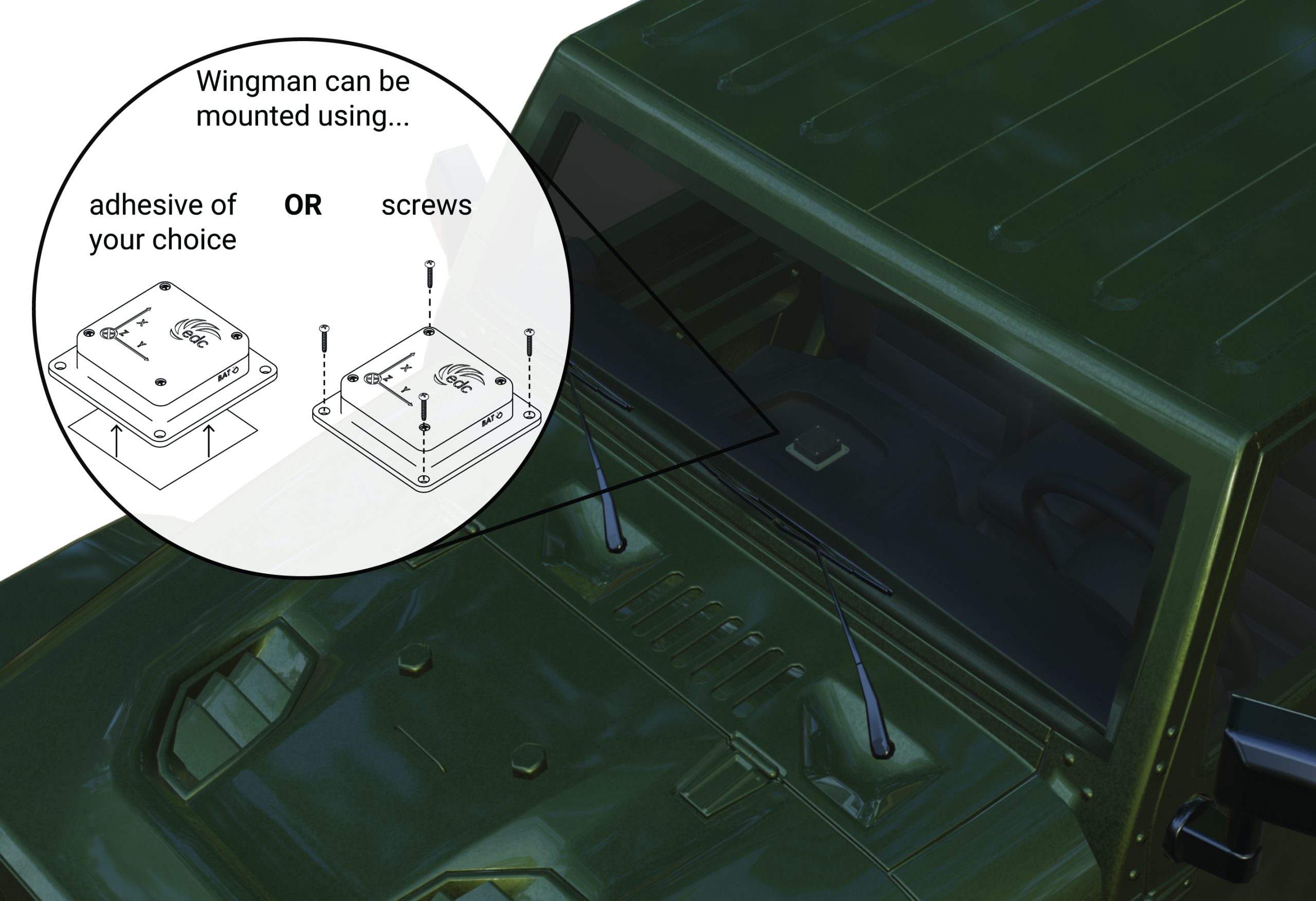
To mount Wingman, attach the mounting plate to the hole pattern found on the bottom of Wingman via #8 screws. The mounting plate can then be attached to any surface by threading screws through the 4 remaining holes or using an adhesive of your choice.
To power Wingman on, move the switch to the far left position. The lights should turn on. To power Wingman off, move the switch to the far right position. The lights should turn off completely.
To pull logs from Wingman using a computer or laptop, use a USB-C to USB-A/B/C/micro cord (not provided). Plug the USB-C connector into the USB port on Wingman, then connect it to a computer or laptop using the USB-A/B/C/micro connector. Power on the Wingman by moving the switch to the far-right position.
Return Policy
If, for any reason, you are not satisfied with your Wingman, you have 30 days from when you receive the product to qualify for a return. Please contact wingman@earthlydynamics.com to start the return process. A refund will be credited to the original form of payment made to purchase Wingman once we have received the product. Please note, shipping fees paid at the time of purchase are not eligible for refund.
Limited Warranty
If your Wingman does not work properly due to a defect in materials or workmanship, you have 1 year from when you receive the product to qualify for replacement. This Limited Warranty does not cover damage due to regular wear and tear or cosmetic damage. Please contact wingman@earthlydynamics.com if you believe your Wingman is defective and we will determine the best solution for the issue.

If you have any other questions about Wingman, please contact us at wingman@earthlydynamics.com.